 EditClaws
Start with captions
Use an organized caption track to create a draft in the target language.
Turn the source captions into a translation draft and check the tone and technical terms. Then refine sentence length and layout for the screen.

Use an organized caption track to create a draft in the target language.
Check names, idioms, and long sentences to keep the context intact.
Adjust line breaks and position for the sentence length of each language.
Brand names, people’s names, and technical terms can translate differently depending on context. Compare with the source, correct what needs fixing, and keep repeated terms consistent.

The source and translation will not be the same length. Split long sentences by meaning and check line breaks and size so they can be read in the available display time.
Click each step to see the editing order. The actual work takes place in the EditClaws app for Windows.
Use an organized caption track to create a draft in the target language.
Check names, idioms, and long sentences to keep the context intact.

Adjust line breaks and position for the sentence length of each language.
Translation is a draft. Check phrasing and proper names, then review line breaks, font character support, and display time.
Multi-use requires Premium, and AI transcription, translation and voice generation use additional credits. Review specialist terms and proper names yourself.
Download the Windows installer and install the app. Create a project in the app to start editing. Some features require a network connection, sign-in, or AI credits.
 BACKGROUND REMOVAL✧ REMOVE BACKGROUND
Separate a subject from its background, composite a new scene, and expand the story inside the frame.
 PORTRAIT RETOUCH02
Adjust skin and facial details to create a frame that fits the conditions in which it was shot.
 AI HIGHLIGHTS03
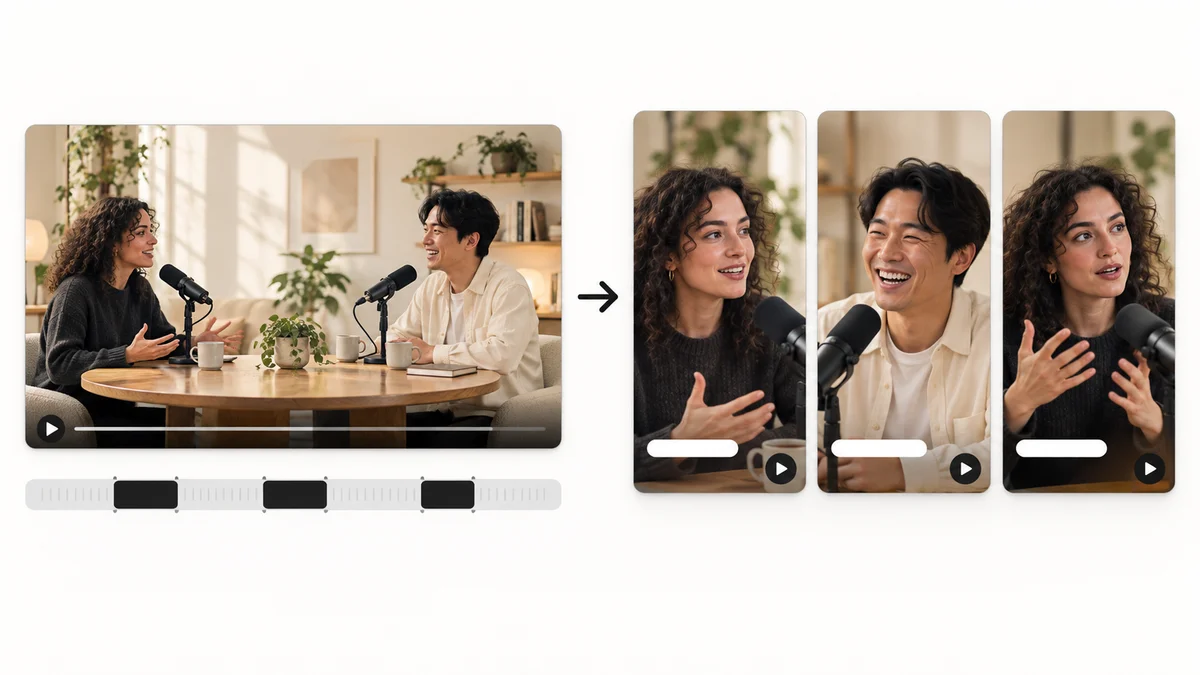
Find candidate scenes in long content and reshape them into a story that works as a short video.
Install the app and start with a short clip. Feature guides can help you get started.
Download the app