 EditClaws
Start with a fast rough cut
Organize the footage and place the opening, body, and ending on the timeline.

Build scenes in the planned order, organize conversation, captions, and music, and shape the pace of a long video.
Download the appOrganize the footage and place the opening, body, and ending on the timeline.
Add captions and graphics to key sentences and lower the music under the conversation.
Check consistency in titles and color, then choose the output options.
MULTITRACK EDITING01Layer and refine video, music, and text to turn the flow in your head into one finished timeline.
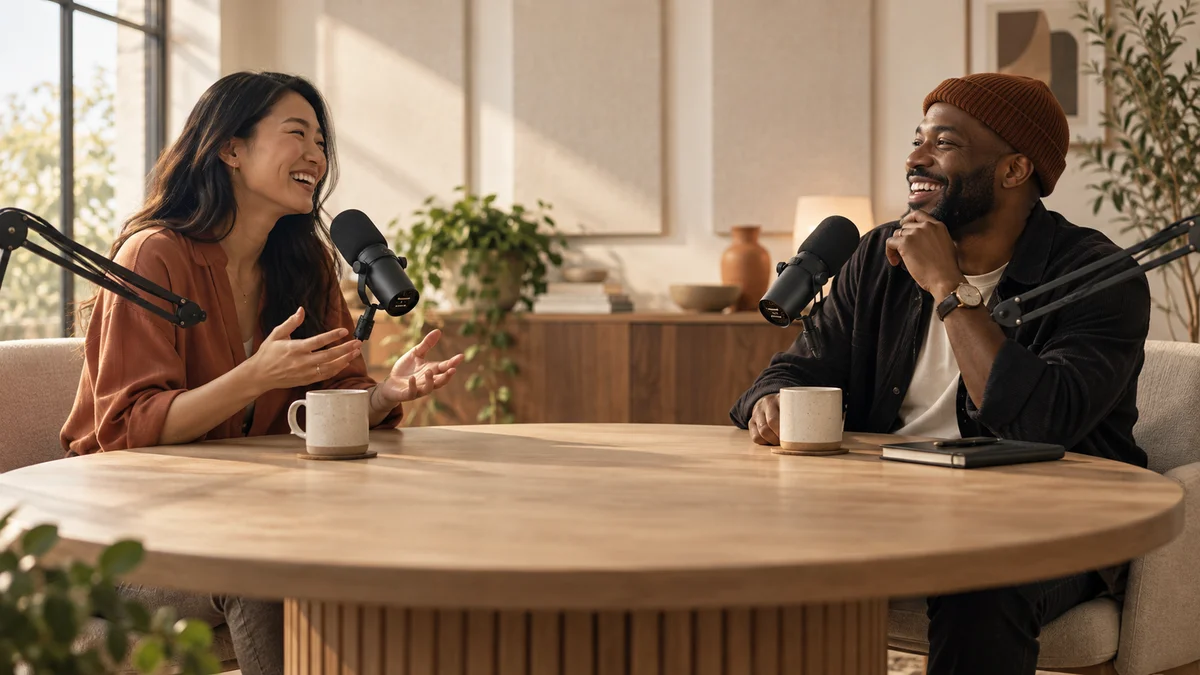 AI AUTO CAPTIONSEvery moment becomes a story.
Spend less time transcribing speech and more time refining the content and rhythm of your captions.
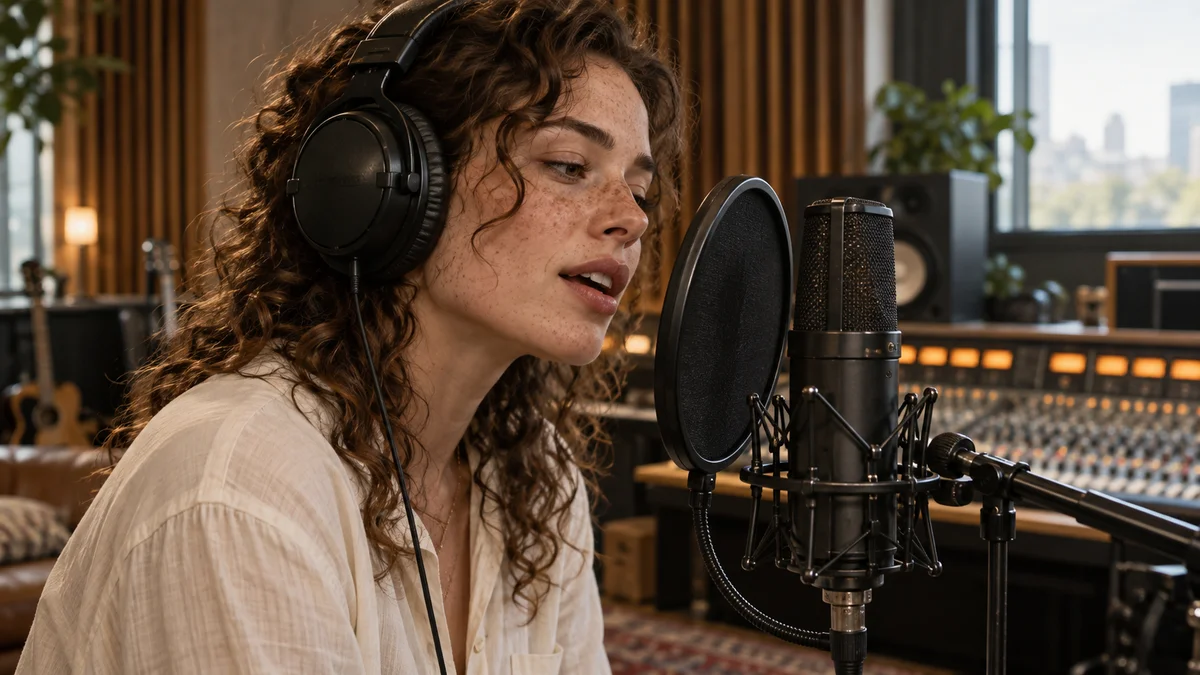 AUDIO EDITING03
Balance conversation and music, and place sound that matches the transitions between scenes.
 HIGH QUALITY EXPORT04
Choose the resolution and frame rate for the work, then export the finished timeline as a video file.
Start with a short project. Import media, choose an order, and add only the captions and music you need. Our editing guides walk through the process step by step.
Use footage you filmed or have permission to use. Check the individual licenses for music, fonts, stickers and other third-party materials.