 EditClaws
Balance music and conversation
Adjust volume by track and clip to keep important voices clear.
Place conversation, music, and sound effects separately, then adjust their volume. A smooth picture is not enough if the audio feels awkward.
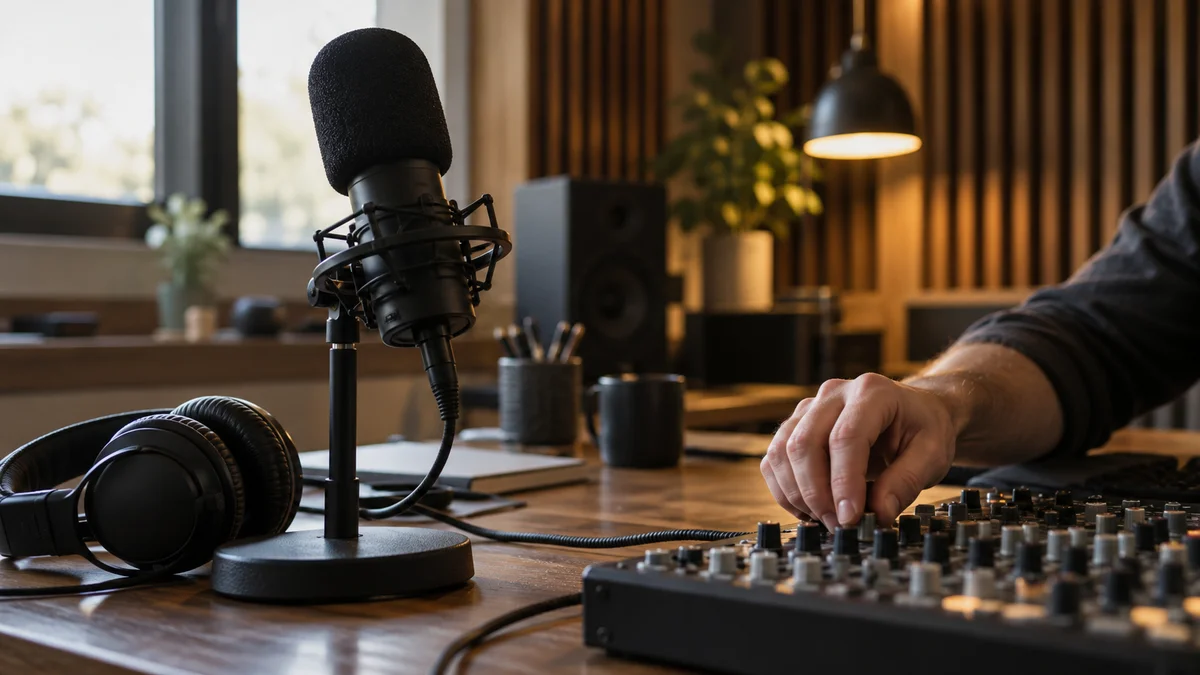
Adjust volume by track and clip to keep important voices clear.
Place effects that match movement and transitions to give the edit more density.
Use the audio waveform and playback together to match the rhythm of a scene.
After adding music, listen for speech getting buried. Adjust voice sections and music-only sections separately to keep both the explanation and the mood.

Match a small sound effect to a button press or the moment a product is set down. Adjust the timing while watching the waveform and frame together so it stays in sync with the movement.
Click each step to see the editing order. The actual work takes place in the EditClaws app for Windows.
Adjust volume by track and clip to keep important voices clear.
Place effects that match movement and transitions to give the edit more density.
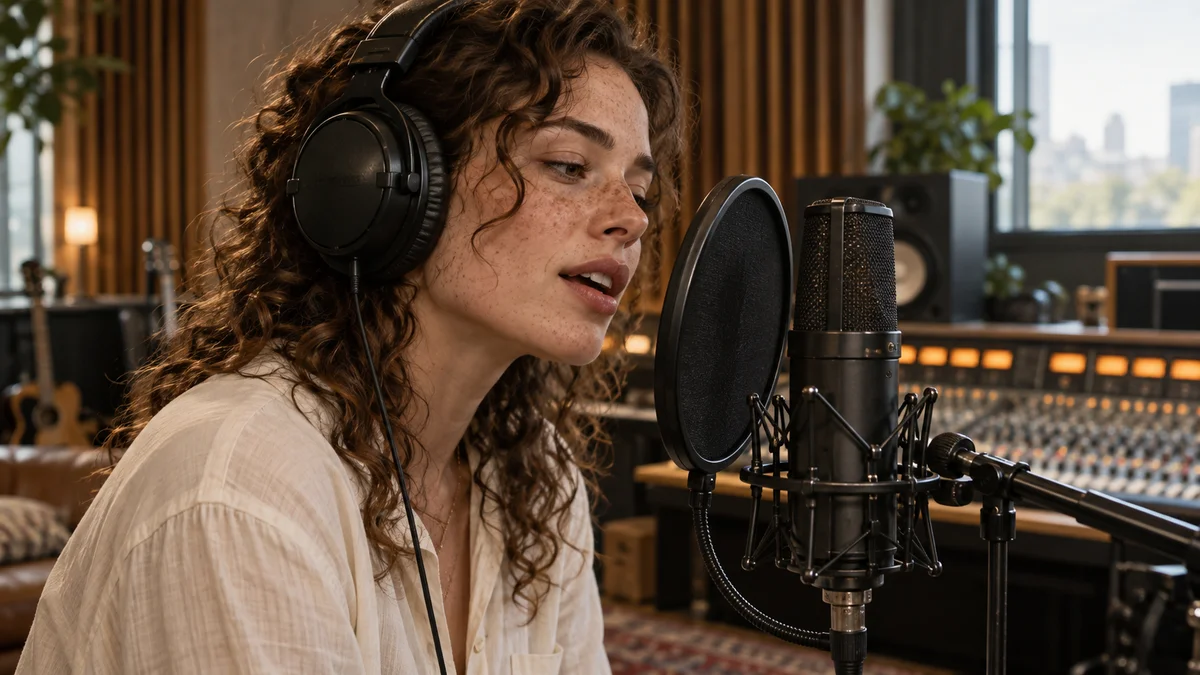
Use the audio waveform and playback together to match the rhythm of a scene.
Track placement and ordinary volume editing do not use AI credits. Operations that call an external AI service, such as caption recognition, are separate.
Check the license for commercial use of each music track and sound effect.
Download the Windows installer and install the app. Create a project in the app to start editing. Some features require a network connection, sign-in, or AI credits.
 TRANSITIONS01
Refine transition effects and duration so scenes flow naturally or leave a strong impression.
 COLOR & FILTERS02
Adjust brightness and color in captured footage, then use filters to create a consistent mood.
VIDEO EFFECTS03Bring out the character of a scene with visual effects such as glitch, light, and texture.
Install the app and start with a short clip. Feature guides can help you get started.
Download the app