 EditClaws
Shape the conversation flow
Tighten unnecessary gaps while preserving the context of each speaker.
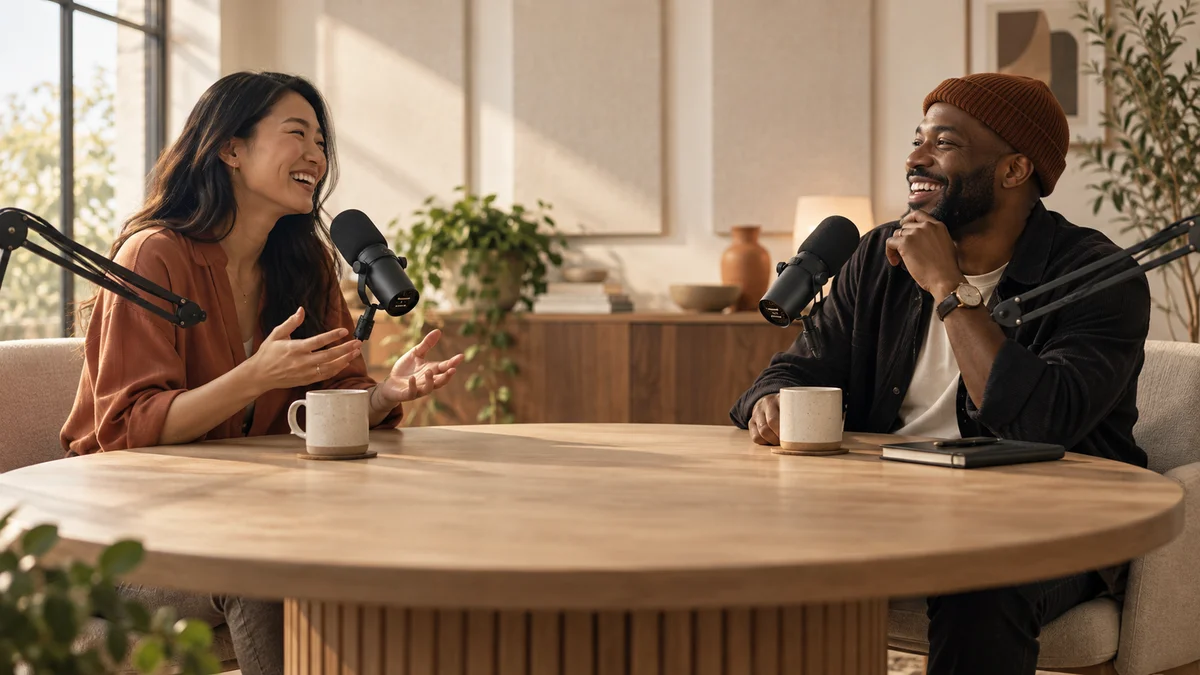
Organize a long conversation and widen its points of entry with readable captions and highlights.
Download the appTighten unnecessary gaps while preserving the context of each speaker.
Review the auto-caption draft and keep it clear of faces.
Choose sections that make sense on their own and create short content.
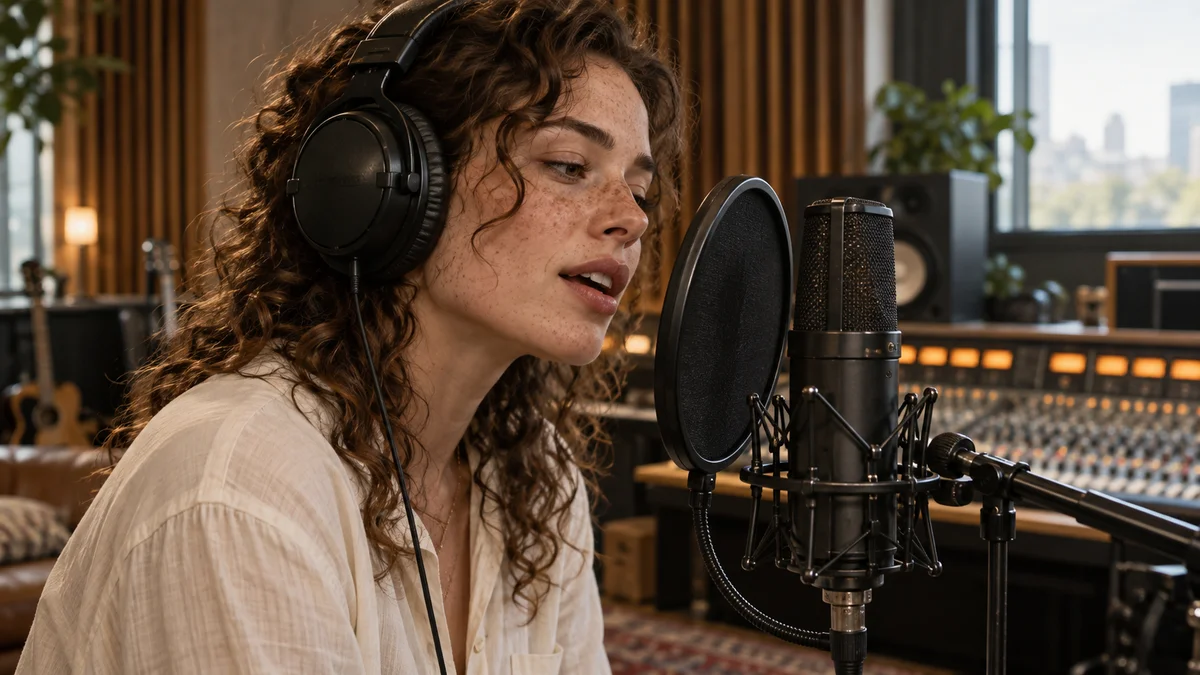 AUDIO EDITING01
Balance conversation and music, and place sound that matches the transitions between scenes.
AI AUTO CAPTIONSEvery moment becomes a story.Spend less time transcribing speech and more time refining the content and rhythm of your captions.
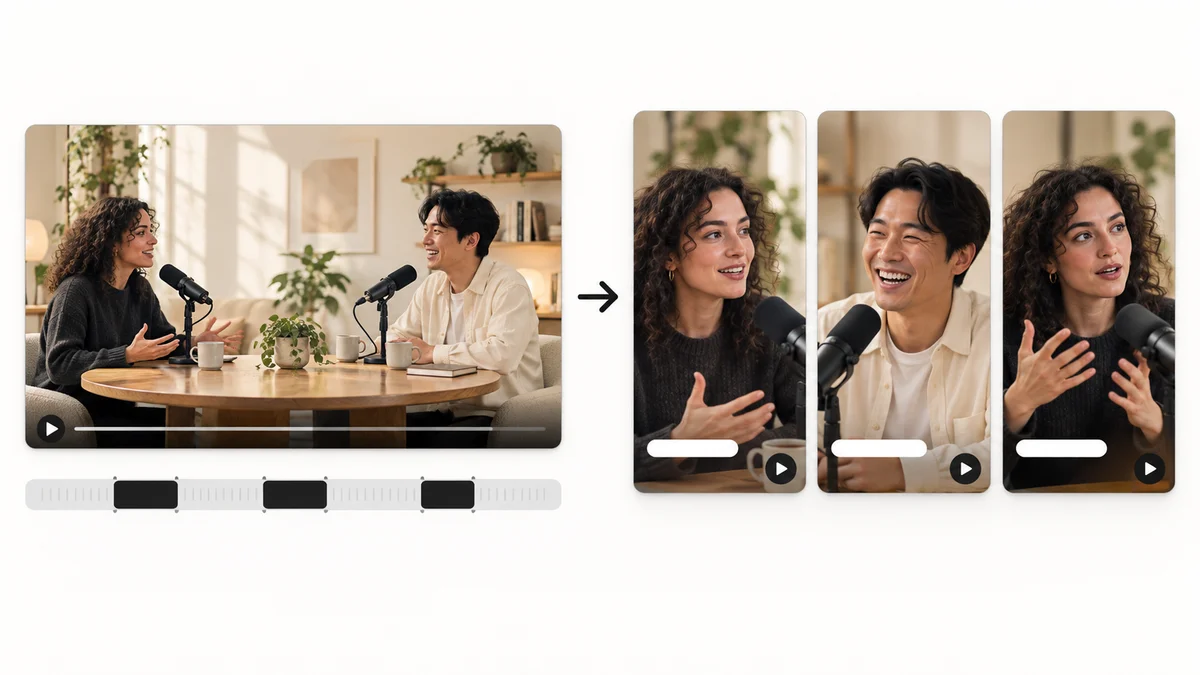 AI HIGHLIGHTS03
Find candidate scenes in long content and reshape them into a story that works as a short video.
CAPTION TRANSLATION04Translate source captions into another language and tune their length for the frame to broaden the reach of your content.
Start with a short project. Import media, choose an order, and add only the captions and music you need. Our editing guides walk through the process step by step.
Use footage you filmed or have permission to use. Check the individual licenses for music, fonts, stickers and other third-party materials.