 EditClaws
Compress long moments
Turn a long movement or repeated action into a short, focused scene.
Speed up scenes of movement and slow down important actions. Adjust the video’s pacing by watching clip speed and length together.

 010203
Turn a long movement or repeated action into a short, focused scene.
Slow a face or gesture down so viewers have time to focus.
Check the changed clip length and organize captions and music alongside it.
You do not need to show every step of making coffee or traveling at the same speed. Compress repeated sections quickly to give important moments more time.
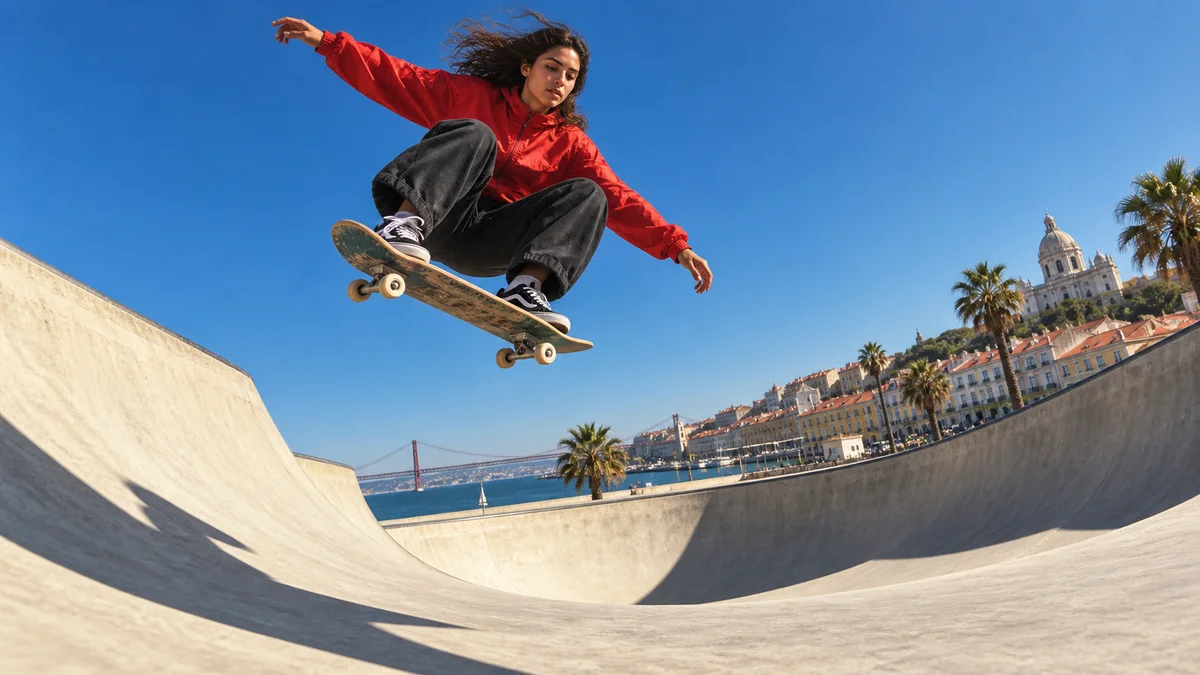
Slow down moments that pass quickly, such as a landing, a hand movement, or a changing expression. Adjust the surrounding scene lengths and music together for a natural flow.
Click each step to see the editing order. The actual work takes place in the EditClaws app for Windows.
Turn a long movement or repeated action into a short, focused scene.
Slow a face or gesture down so viewers have time to focus.
Check the changed clip length and organize captions and music alongside it.
It depends on the number of frames in the source. Slowing low-frame-rate footage too much can make movement look choppy, so play back the result to check it.
The smoothness of slow playback depends on the source frame rate.
Download the Windows installer and install the app. Create a project in the app to start editing. Some features require a network connection, sign-in, or AI credits.
 MULTITRACK EDITING01
Layer and refine video, music, and text to turn the flow in your head into one finished timeline.
 TRIM & SPLIT02
Cut away slow openings and empty space, then decide exactly where each scene begins and ends.
 KEYFRAME ANIMATION
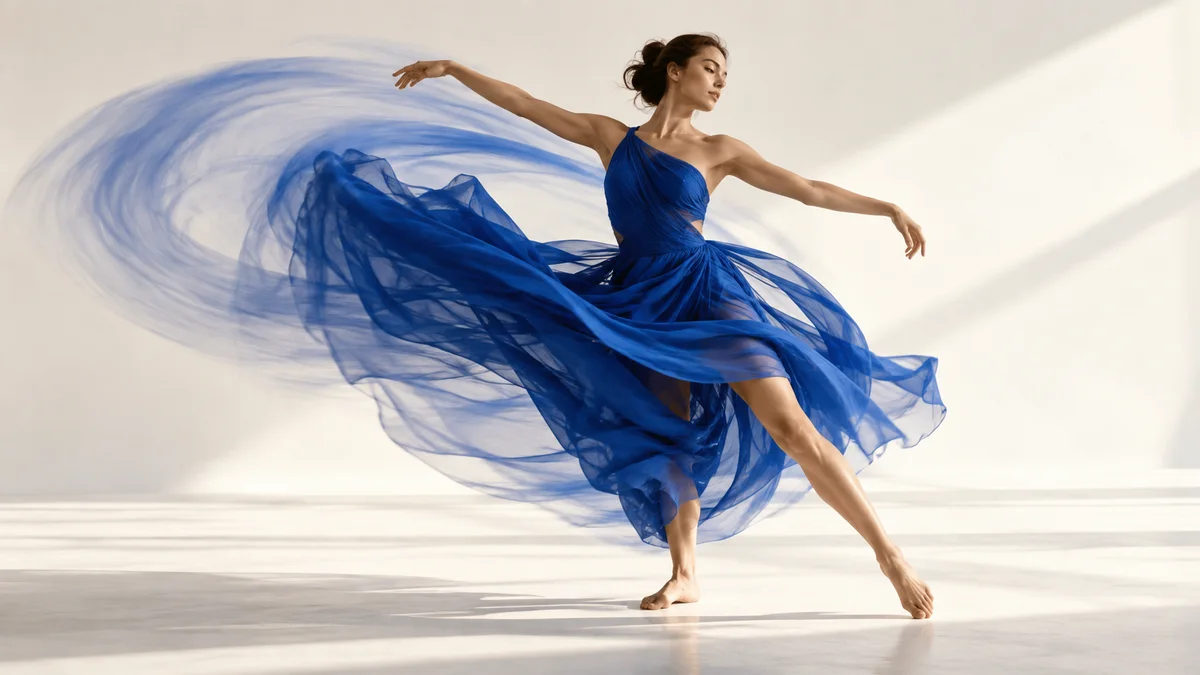
Place changes in position, size, rotation, and opacity over time to design movement that is yours.
Install the app and start with a short clip. Feature guides can help you get started.
Download the app