 EditClaws
A composition that holds the eye
Decide where the important subject sits inside the frame.
Keep the important subject in view when changing landscape footage to a portrait frame. Adjust the aspect ratio, zoom, and position together.
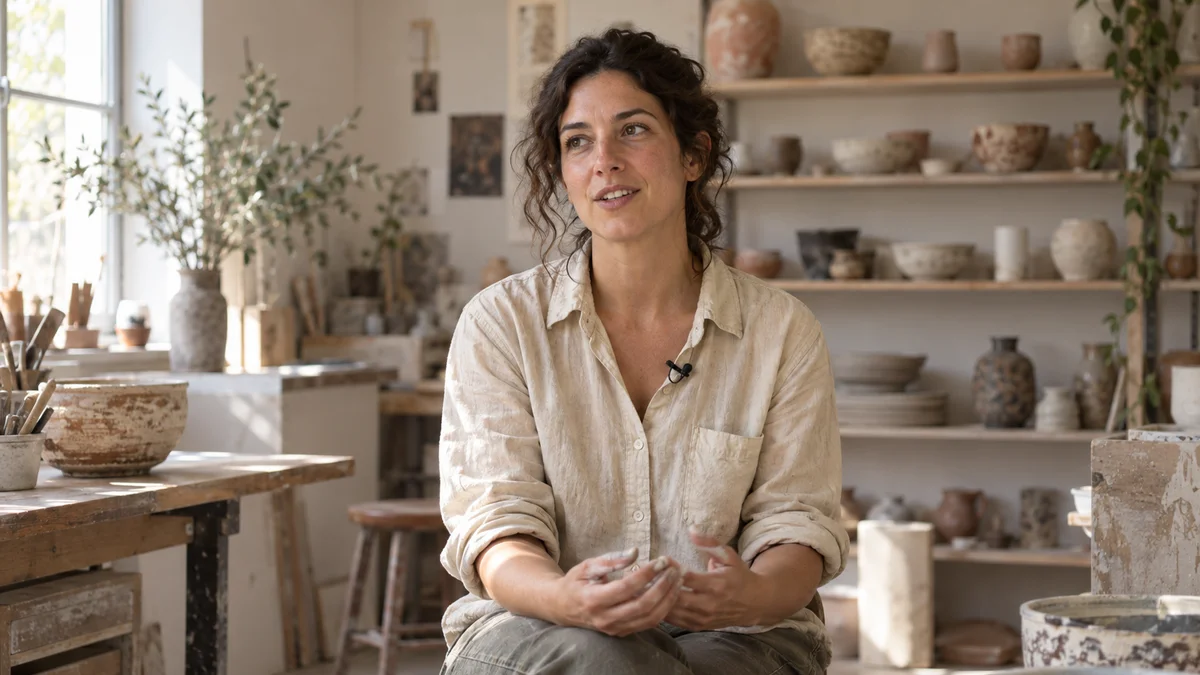
Decide where the important subject sits inside the frame.
Reposition content for landscape, portrait, and square projects.
Adjust zoom and position together to control empty space and cutoffs precisely.
Simply cutting the center from a landscape scene may not be enough. Reposition it so the speaker’s face and hands and the object you want to show stay inside the frame.

A landscape video that captures the whole atmosphere needs a different composition from a portrait video that brings the subject closer. Choose the output ratio first, then place video and captions inside it.
Click each step to see the editing order. The actual work takes place in the EditClaws app for Windows.
Decide where the important subject sits inside the frame.
Reposition content for landscape, portrait, and square projects.
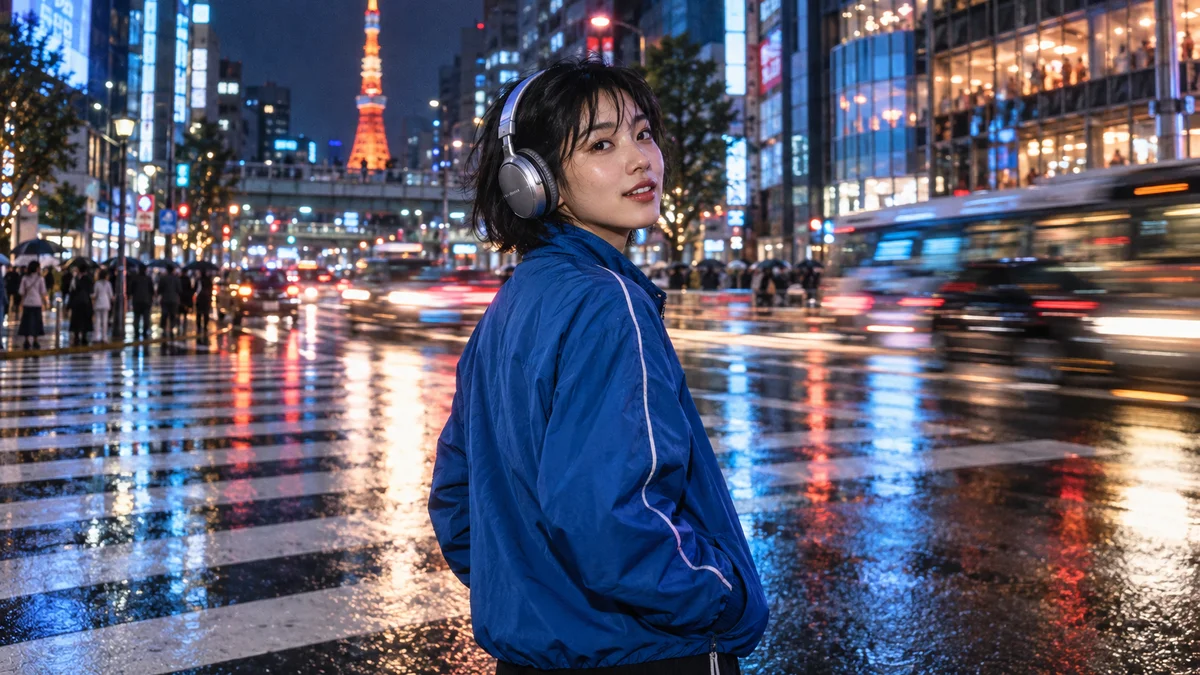
Adjust zoom and position together to control empty space and cutoffs precisely.
Enlarging a small area can reduce sharpness. Check the source resolution together with the final output size.
Heavily enlarging the source can reduce image sharpness.
Download the Windows installer and install the app. Create a project in the app to start editing. Some features require a network connection, sign-in, or AI credits.
 MULTITRACK EDITING01
Layer and refine video, music, and text to turn the flow in your head into one finished timeline.
 TRIM & SPLIT02
Cut away slow openings and empty space, then decide exactly where each scene begins and ends.
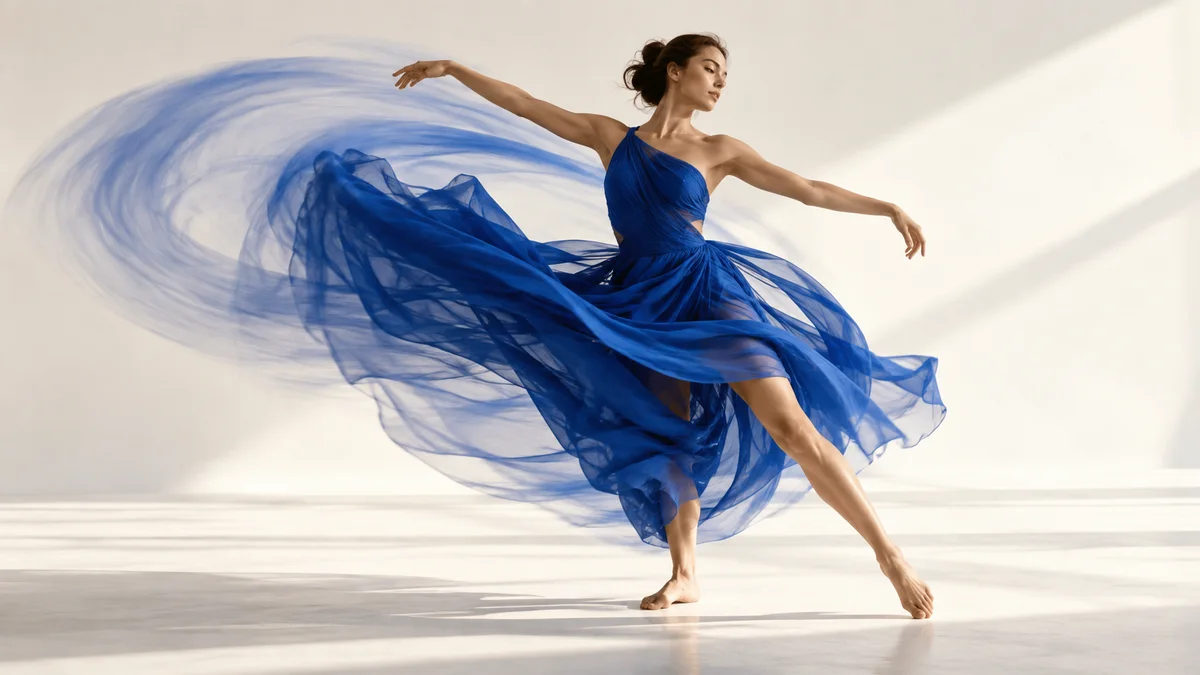 KEYFRAME ANIMATION
Place changes in position, size, rotation, and opacity over time to design movement that is yours.
Install the app and start with a short clip. Feature guides can help you get started.
Download the app