 EditClaws
Start with the first scene
Place the most interesting moment at the opening and keep only what matters.
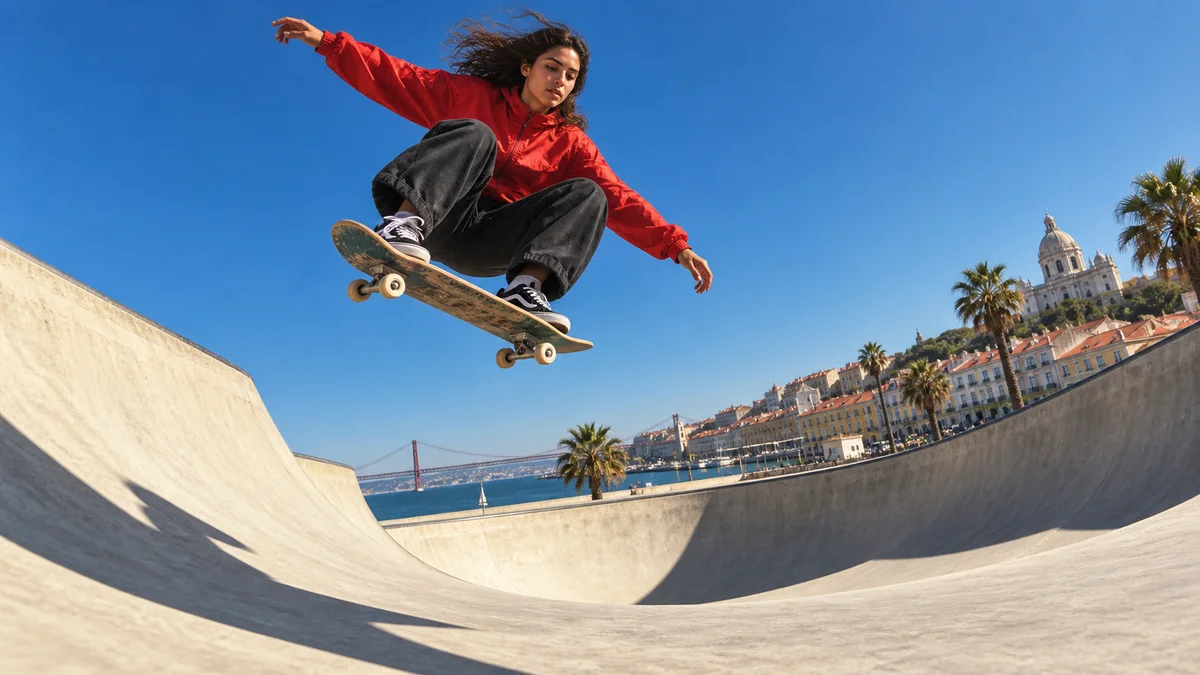
Leave a strong first impression with a vertical composition, short-breath captions, and quick transitions.
Download the appPlace the most interesting moment at the opening and keep only what matters.
Adjust the subject and captions so they read clearly in the center of the frame.
Match short transitions to the music and check the finished cut.
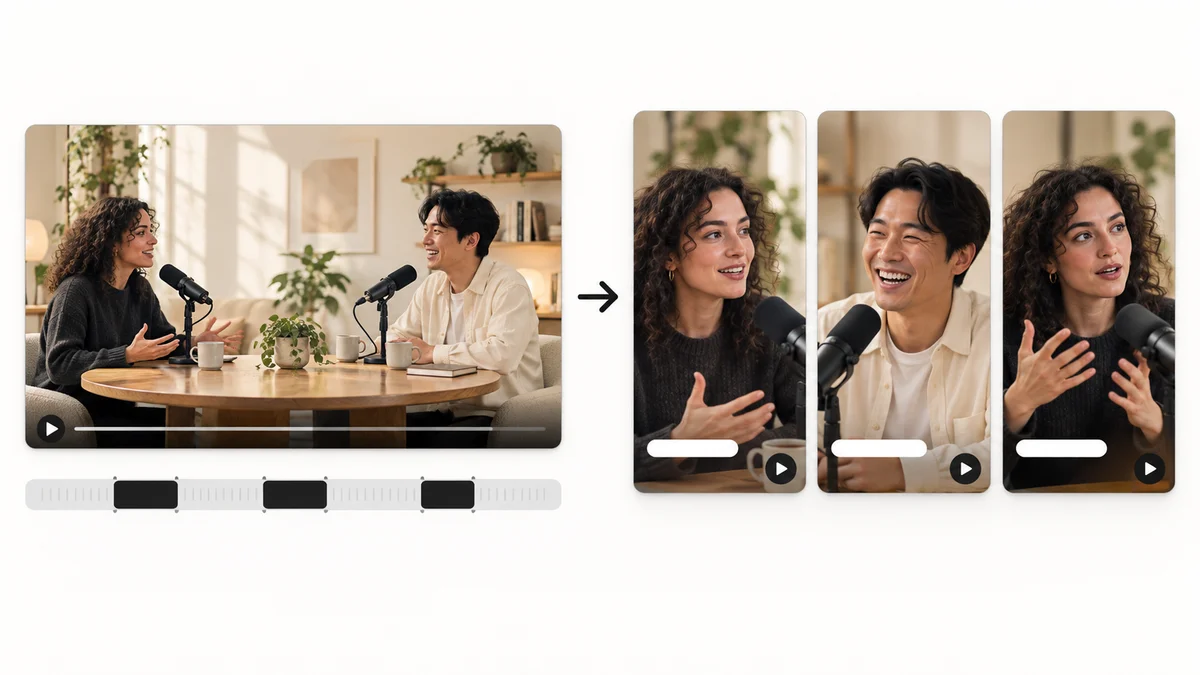 AI HIGHLIGHTS01
Find candidate scenes in long content and reshape them into a story that works as a short video.
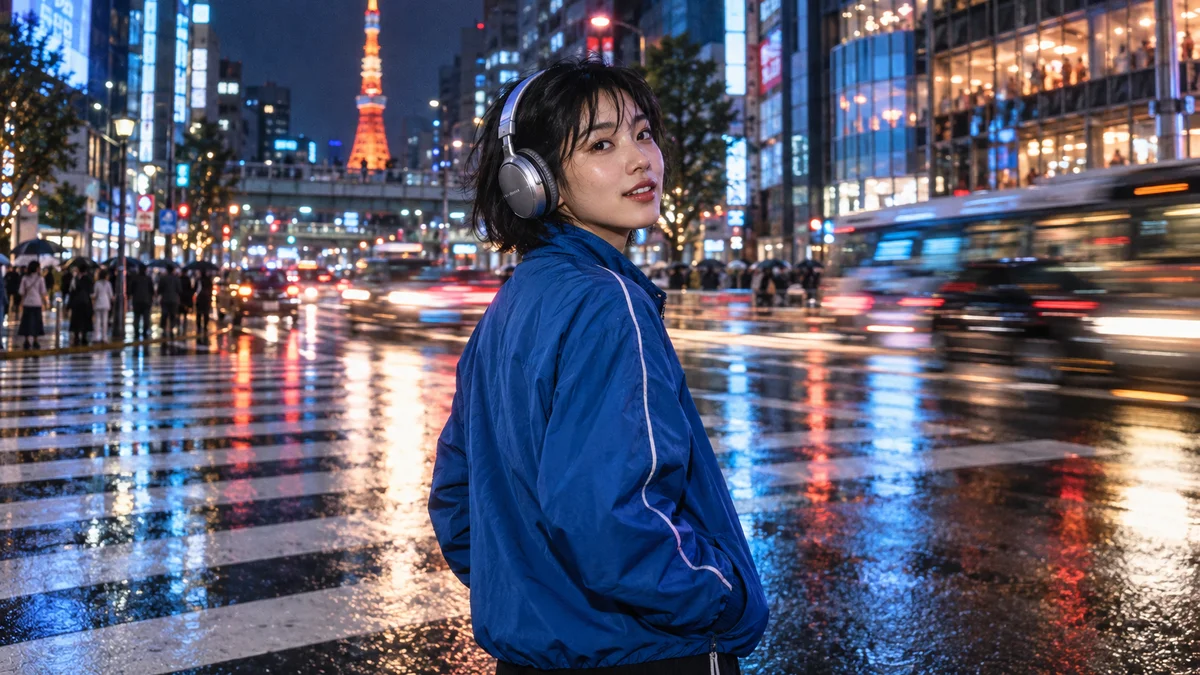 CROP & RESIZE02
Remove unwanted edges and find a composition that fits your content, from landscape video to a vertical screen.
 CAPTION STYLES03
Give everything from clear information captions to attention-grabbing emphasis captions a style that belongs in the scene.
SPEED CONTROL04Change a scene’s playback speed to give even ordinary movement a new rhythm.
Start with a short project. Import media, choose an order, and add only the captions and music you need. Our editing guides walk through the process step by step.
Use footage you filmed or have permission to use. Check the individual licenses for music, fonts, stickers and other third-party materials.