 EditClaws
Tools for
every stage of your edit.
From video editing to AI, captions and sound.
Find your way to create with 23 tools.
 MULTITRACK EDITING01
Multitrack editing
Layer and refine video, music, and text to turn the flow in your head into one finished timeline.
 TRIM & SPLIT02
Trim & split
Cut away slow openings and empty space, then decide exactly where each scene begins and ends.
 KEYFRAME ANIMATION
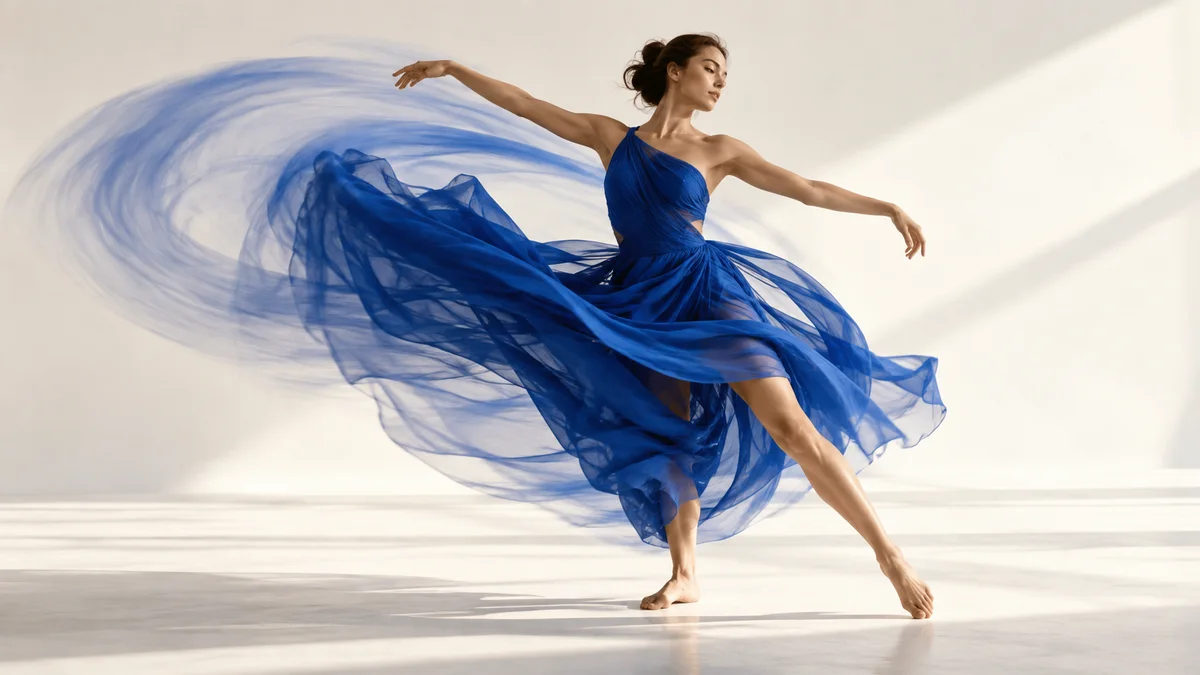
keyframe animation
Place changes in position, size, rotation, and opacity over time to design movement that is yours.
 SPEED CONTROL04
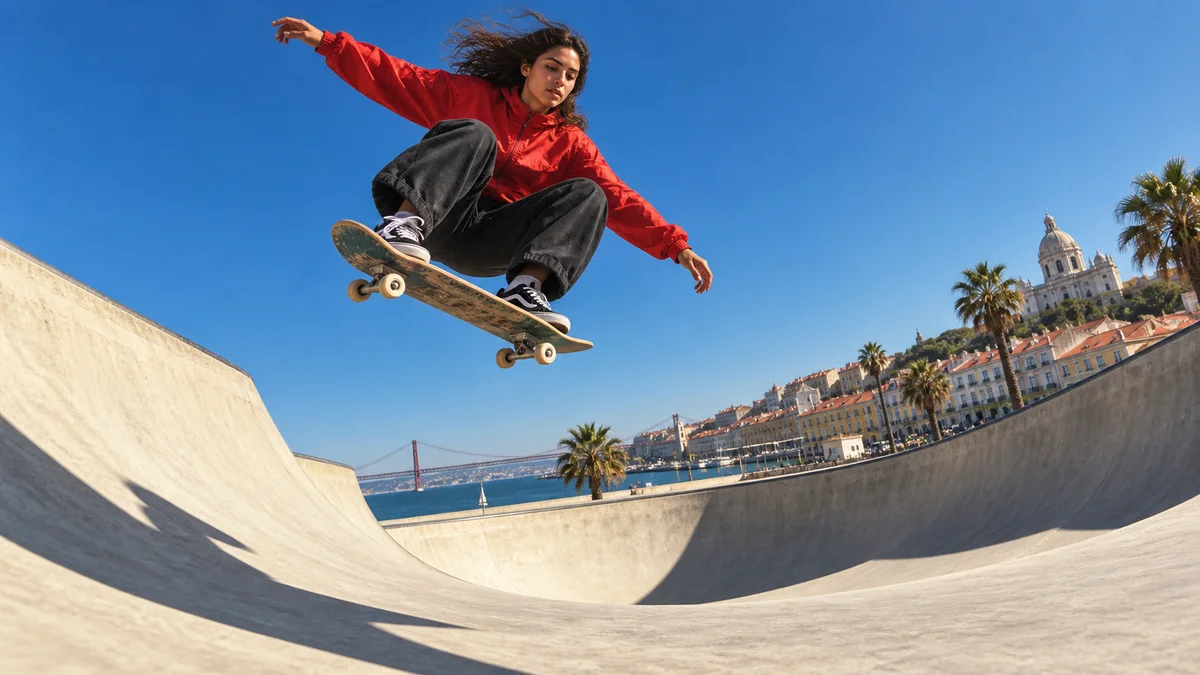
Speed control
Change a scene’s playback speed to give even ordinary movement a new rhythm.
 CROP & RESIZE05
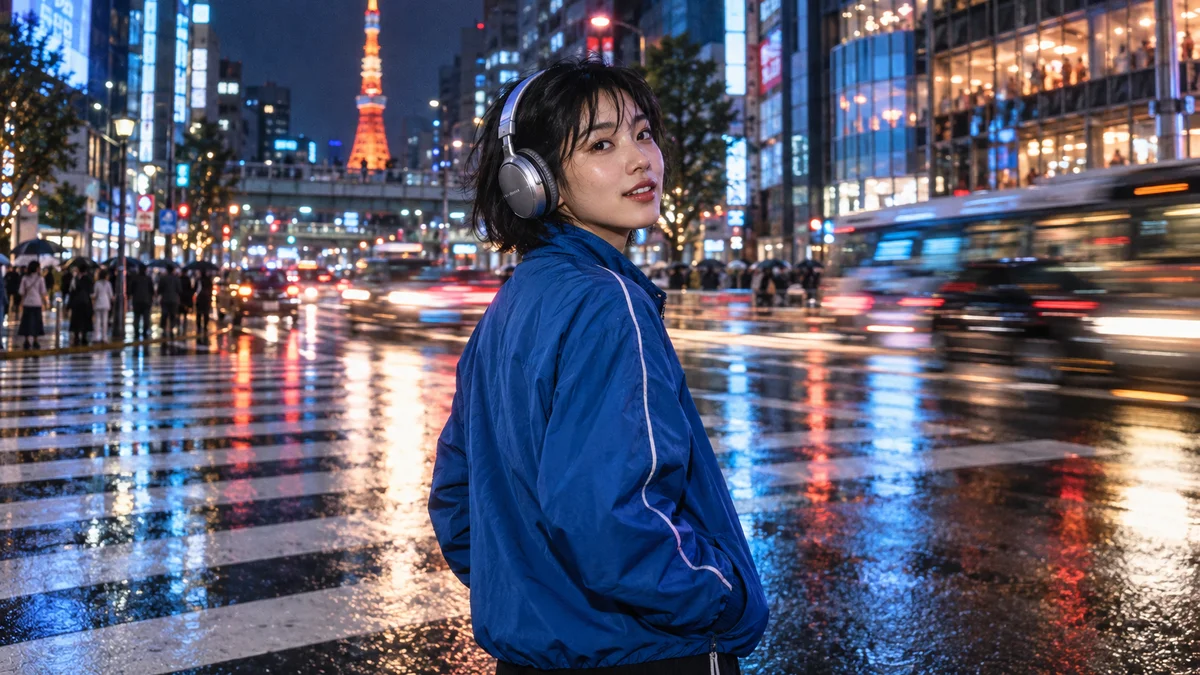
Crop & resize
Remove unwanted edges and find a composition that fits your content, from landscape video to a vertical screen.
 TRANSITIONS06
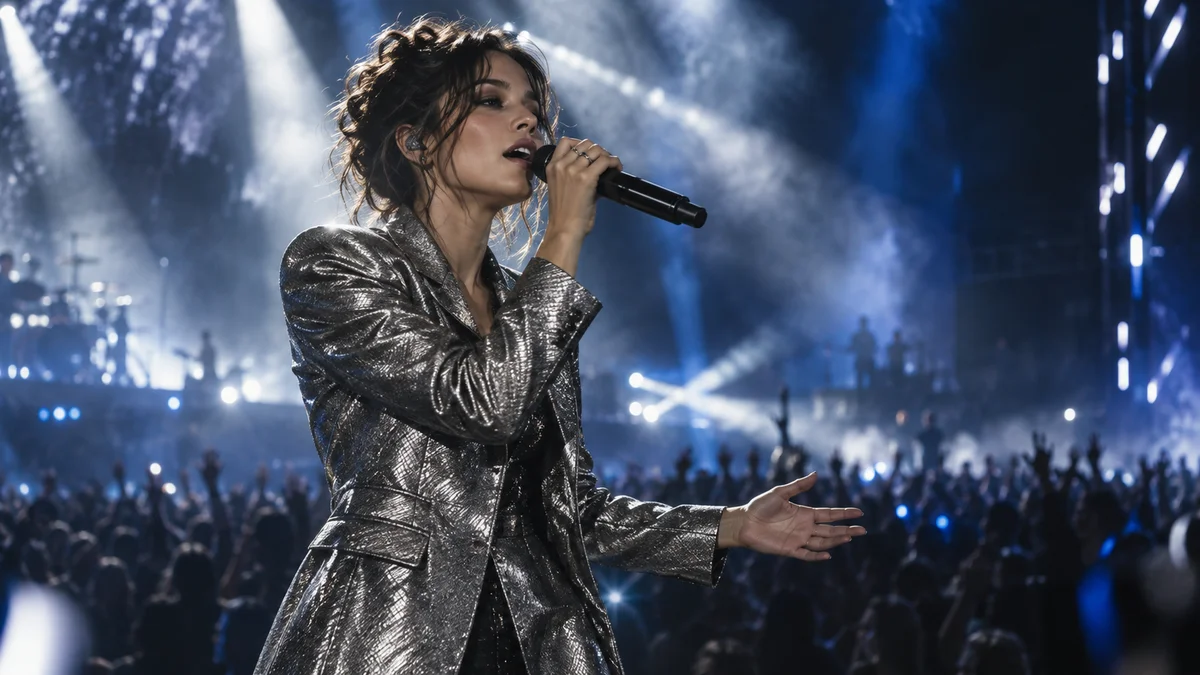
Transitions
Refine transition effects and duration so scenes flow naturally or leave a strong impression.
 AI AUTO CAPTIONSEvery moment becomes a story.
AI auto captions
Spend less time transcribing speech and more time refining the content and rhythm of your captions.
 CAPTION STYLES08
Caption styles
Give everything from clear information captions to attention-grabbing emphasis captions a style that belongs in the scene.
KINETIC TYPE09Text animation
Stage titles as they enter and leave, then finish the scene with kinetic typography.
TYPE LIBRARY10Type library
Find a typeface that fits the video, then adjust size, weight, and spacing to make a title of your own.
 BACKGROUND REMOVAL✧ REMOVE BACKGROUND
AI background removal
Separate a subject from its background, composite a new scene, and expand the story inside the frame.
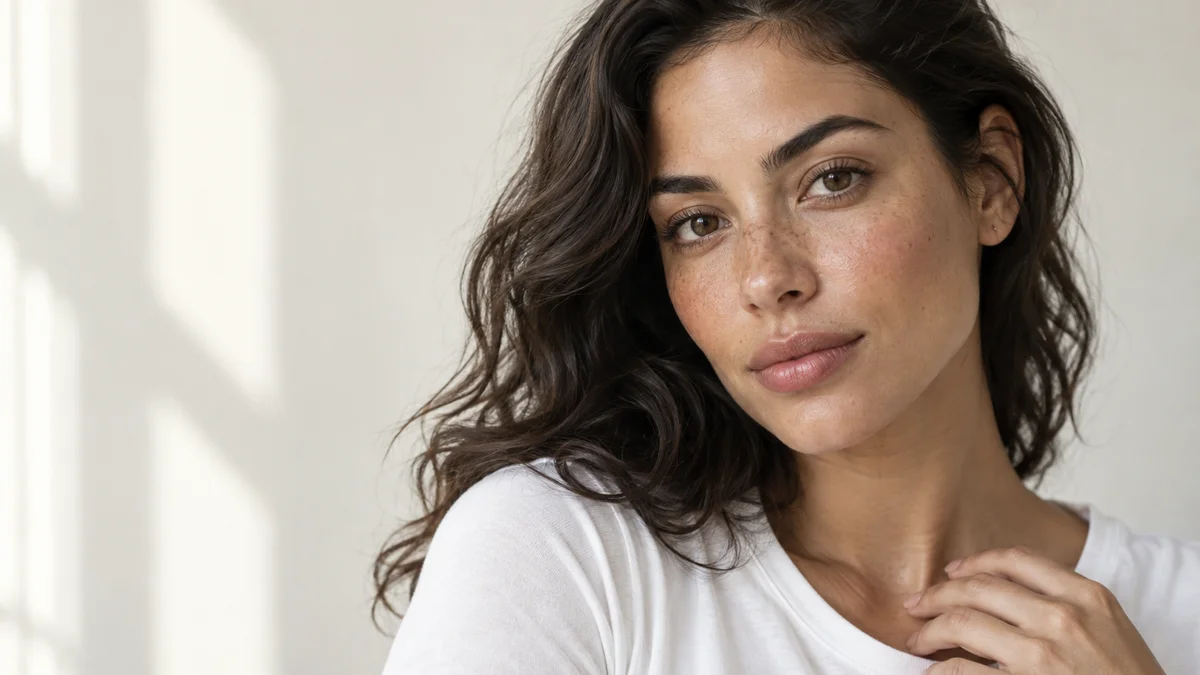 PORTRAIT RETOUCH12
Portrait retouch
Adjust skin and facial details to create a frame that fits the conditions in which it was shot.
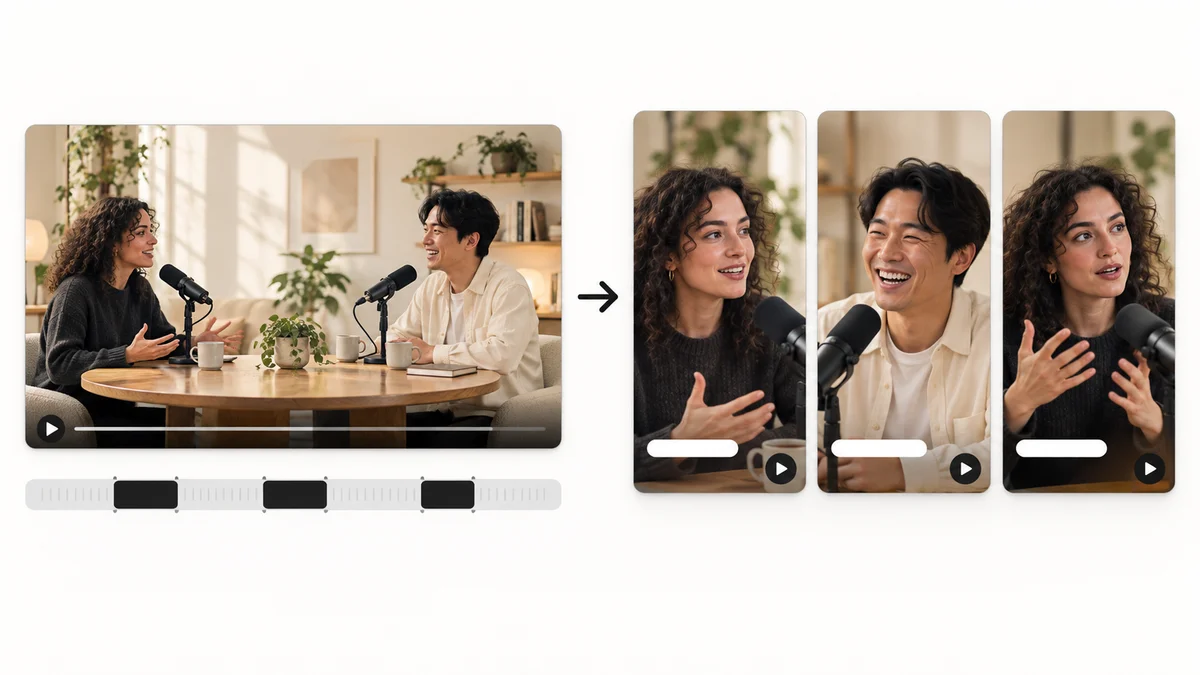 AI HIGHLIGHTS13
AI highlight shorts
Find candidate scenes in long content and reshape them into a story that works as a short video.
CAPTION TRANSLATION14Caption translation
Translate source captions into another language and tune their length for the frame to broaden the reach of your content.
 COLOR & FILTERS15
Color & filters
Adjust brightness and color in captured footage, then use filters to create a consistent mood.
VIDEO EFFECTS16Video effects
Bring out the character of a scene with visual effects such as glitch, light, and texture.
 MASKS & COMPOSITING17
Masks & compositing
Reveal or hide part of a video, composite layers, and make a new screen composition.
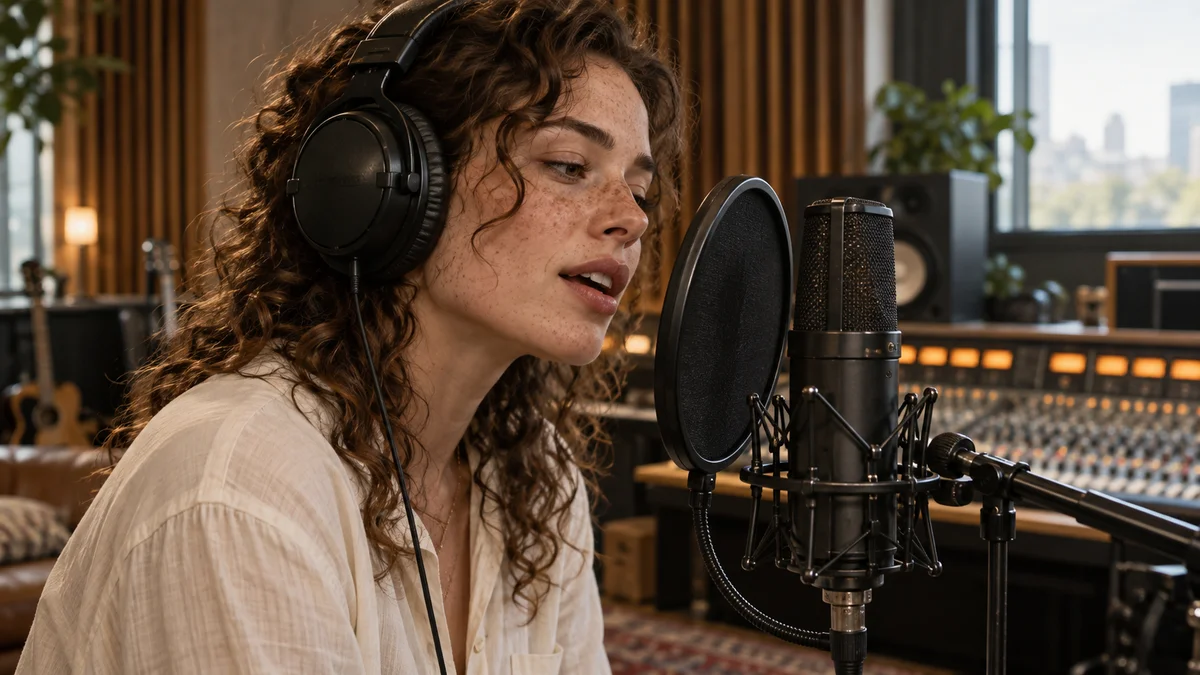 AUDIO EDITING18
Audio editing
Balance conversation and music, and place sound that matches the transitions between scenes.
 STICKERS & GRAPHICS19
Stickers & graphics
Add feeling with stickers and graphics, and draw attention wherever an explanation needs help.
VIDEO TEMPLATES20Video templates
Use a prepared structure as a starting point, swap in your sources and copy, and finish a video of your own.
SCREEN RECORDING21Screen recording
Record a how-to or work process, carry it into editing, and make tutorials and lessons.
HIGH QUALITY EXPORT22High-quality export
Choose the resolution and frame rate for the work, then export the finished timeline as a video file.
LOCAL FIRST23Local editing
Handle source media and continue the creative flow with ordinary editing and rendering processed on your device.