 EditClaws
Motion from start to finish
Set property values at different times to create movement between them.
Fine control over position, scale, rotation, and opacity.
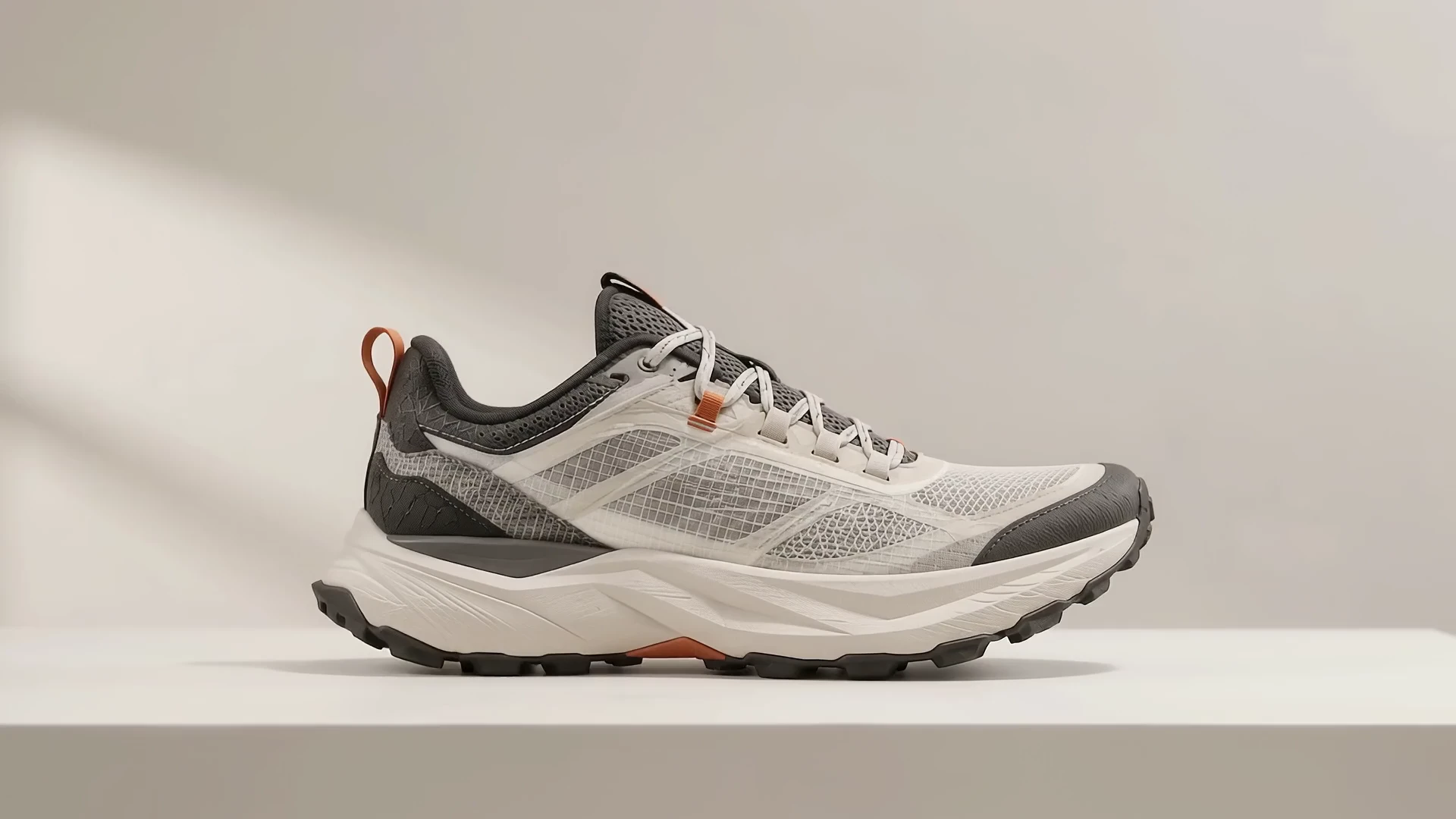
Set property values at different times to create movement between them.
Slowly zoom or move across a photo to give the story more depth.
Bring text and images in at different moments to give a scene its rhythm.
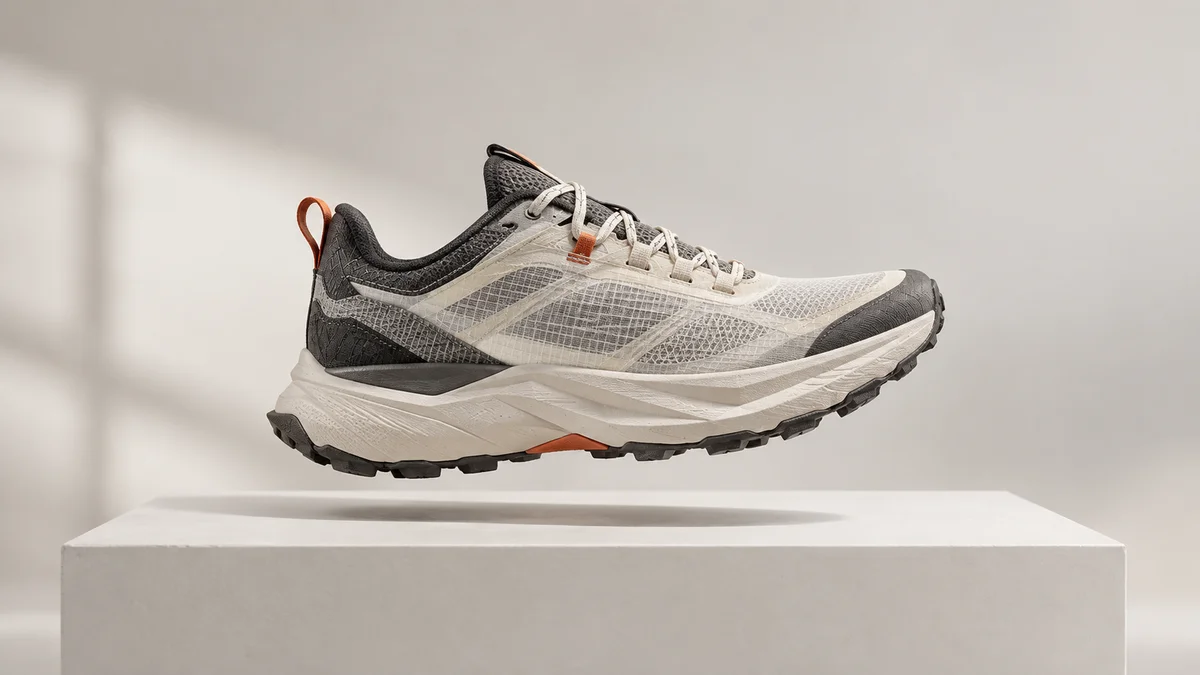
Place one keyframe where the element first appears and another at its final position. Adjust their values and time gap to make movement enter quickly or linger longer.

Put the product photo and text on separate layers and stagger their entrance times. Show the product first, then add its name and features so the reading order stays clear even in a brief shot.
Click each step to see the editing order. The actual work takes place in the EditClaws app for Windows.
Set property values at different times to create movement between them.
Slowly zoom or move across a photo to give the story more depth.
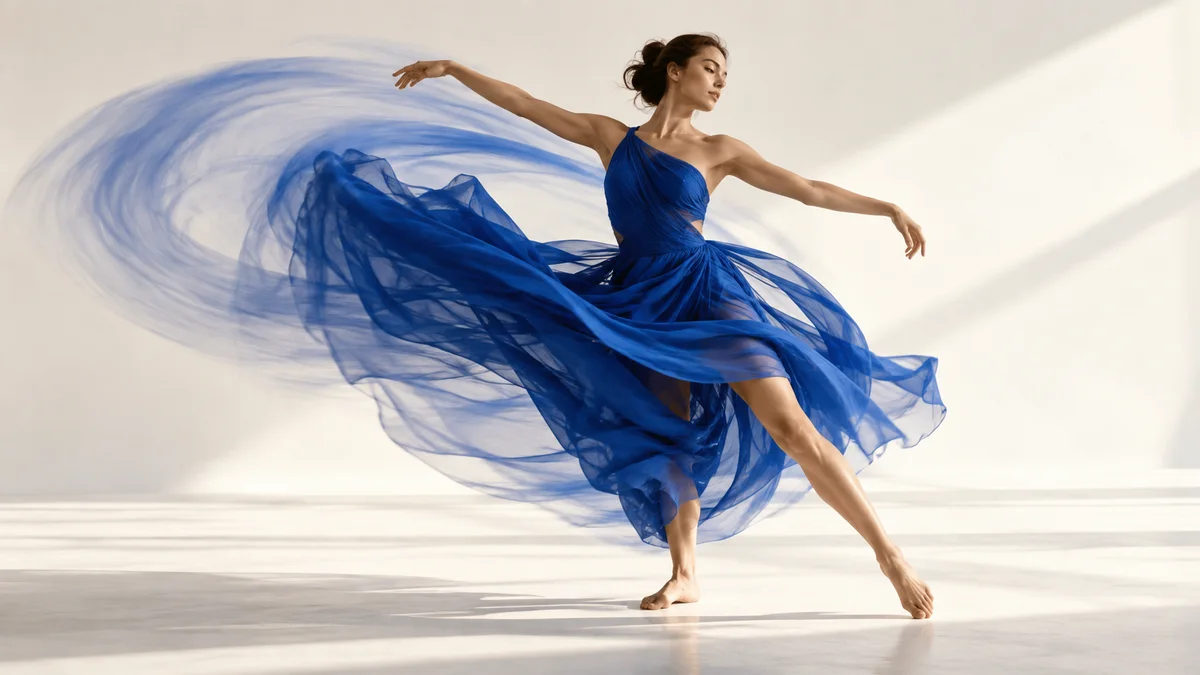
Bring text and images in at different moments to give a scene its rhythm.
Keyframes connect property values at times you choose. They are different from motion tracking, which analyzes a subject’s movement and follows it automatically.
Available keyframe properties vary by element type.
Download the Windows installer and install the app. Create a project in the app to start editing. Some features require a network connection, sign-in, or AI credits.
 MULTITRACK EDITING01
Layer and refine video, music, and text to turn the flow in your head into one finished timeline.
 TRIM & SPLIT02
Cut away slow openings and empty space, then decide exactly where each scene begins and ends.
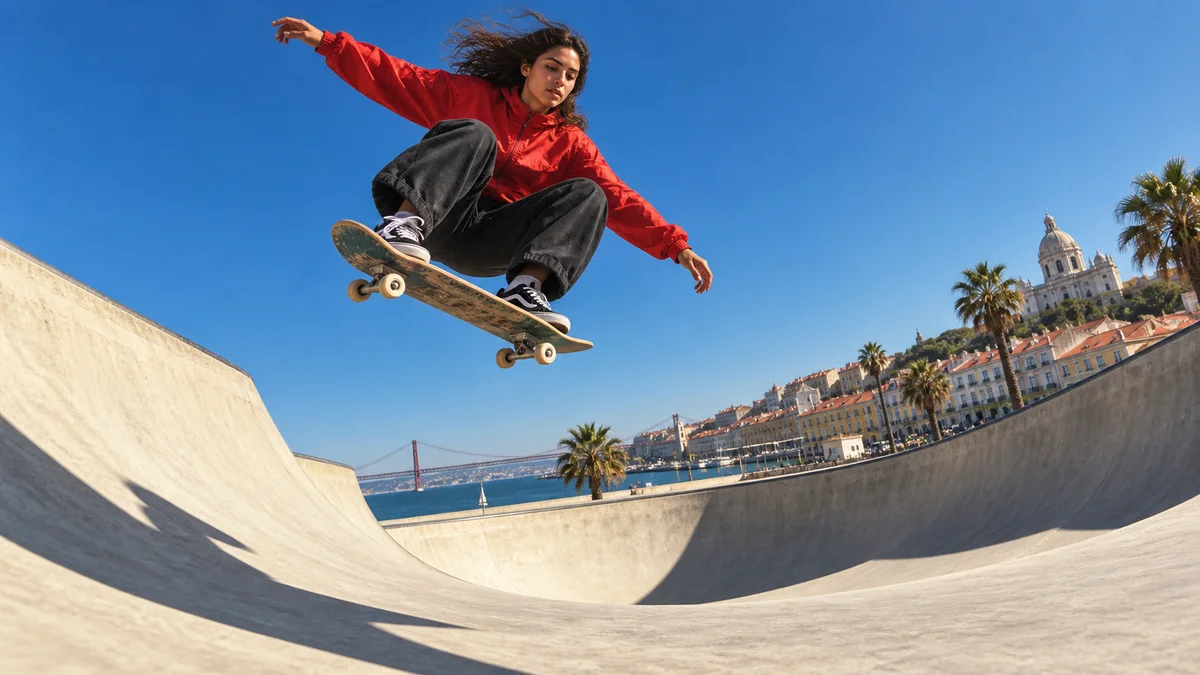 SPEED CONTROL03
Change a scene’s playback speed to give even ordinary movement a new rhythm.
Install the app and start with a short clip. Feature guides can help you get started.
Download the app